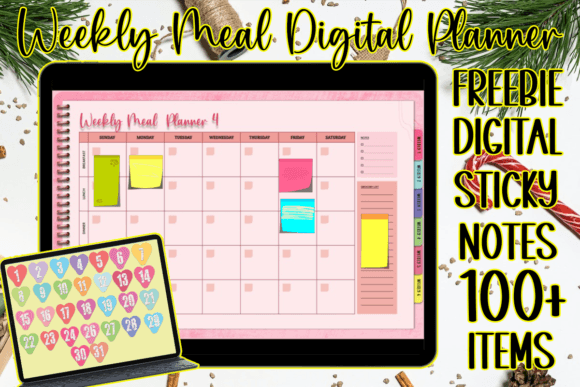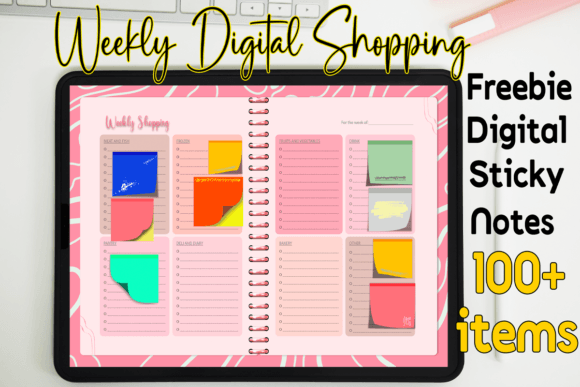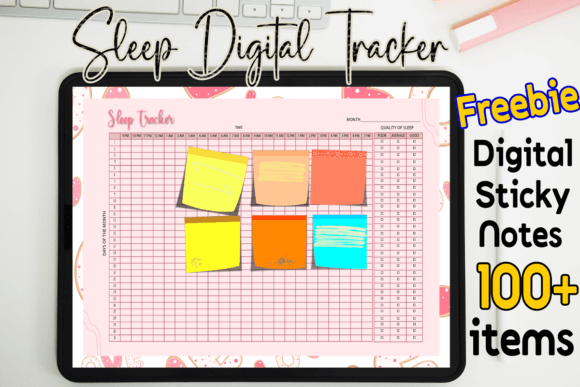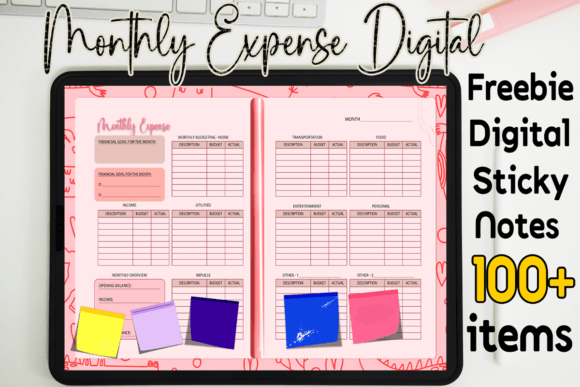
Daily Digital Planner: Your Design Workflow's Best Ally
Imagine transforming your chaotic schedule into a visually cohesive and professionally designed system that actually inspires productivity. A Daily Digital Planner is more than just a calendar; it’s a design-forward tool that merges functionality with modern aesthetics, turning routine planning into a creative exercise.
The Visual Power of Structured Planning
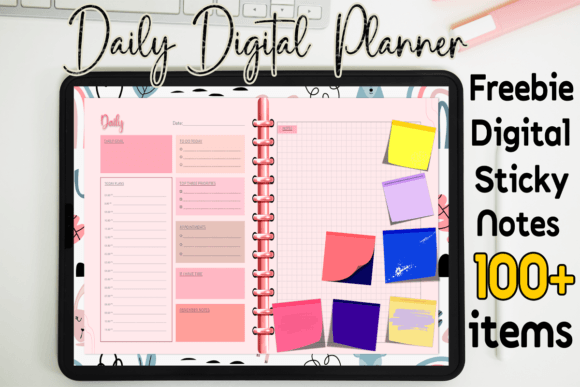
In graphic design, structure is the foundation of creativity. A well-designed Daily Digital Planner acts as a blueprint for your day, applying principles of visual hierarchy and typography to prioritize tasks. This isn't just about listing to-dos; it's about creating a clear, scannable layout that guides your eye, reduces cognitive load, and establishes a rhythm for your workflow. For designers and creators, using such a tool means practicing what we preach—applying clean composition and intentional spacing to our own processes.
The value extends beyond personal use. For professionals in branding, marketing, or content creation, a digital planner becomes a central hub for scheduling campaigns, tracking project milestones, and brainstorming visual concepts. It ensures that every piece of your digital marketing—from social media graphics to email newsletters—aligns with a consistent timeline and brand identity.
Integrating Design Assets into Your Routine
The true power of a digital planner lies in its flexibility and integration with your creative ecosystem. Compatible with apps like GoodNotes, Notability, and Xodo on iPad or Android tablets, it becomes an interactive canvas. You can seamlessly layer your own creative assets—custom color palettes, logo variations, typography samples, or mood board images—directly onto the planner pages.
This creates a dynamic, living document. Consider these practical applications:
- Brand Management: Use monthly views to plan logo design refreshes, track brand guideline rollouts, and schedule social media content that reinforces your visual identity.
- Project Planning: Map out the phases of a packaging design or website UI overhaul, attaching reference sketches and competitor analysis right beside the deadlines.
- Creative Inspiration: Dedicate daily pages to design inspiration, noting trends in modern aesthetics, color combinations, or editorial layouts you encounter.
This method turns passive planning into an active part of your design workflow, ensuring your projects are not only on time but also visually strategic.
Choosing and Using Your Planner Effectively
Not all digital planners are created equal. When selecting a template, evaluate it as you would any design resource. Prioritize clean, adaptable layouts with ample whitespace—this allows your own content and annotations to breathe without clutter. Look for clear typography that ensures readability across different devices and lighting conditions.
Scalability is key. A good planner file should allow you to duplicate pages, add hyperlinks for easy navigation, and incorporate your own digital stickers or stamps without degrading performance. Think about how the planner’s existing grid and visual structure can support your goals, whether you're organizing a product launch, managing client work, or planning a content calendar for social media graphics.
Remember, the tool should enhance, not hinder, your process. Customization is where you inject your brand’s personality, making the planner an extension of your professional identity.
Ultimately, adopting a thoughtfully designed Daily Digital Planner is an investment in your creative clarity. It brings the same level of intentionality to your schedule that you bring to your visual designs, fostering a more organized, inspired, and productive approach to every project. When your planning tools reflect your design standards, every day becomes an opportunity to create with purpose and precision.